Categories
Recent Posts






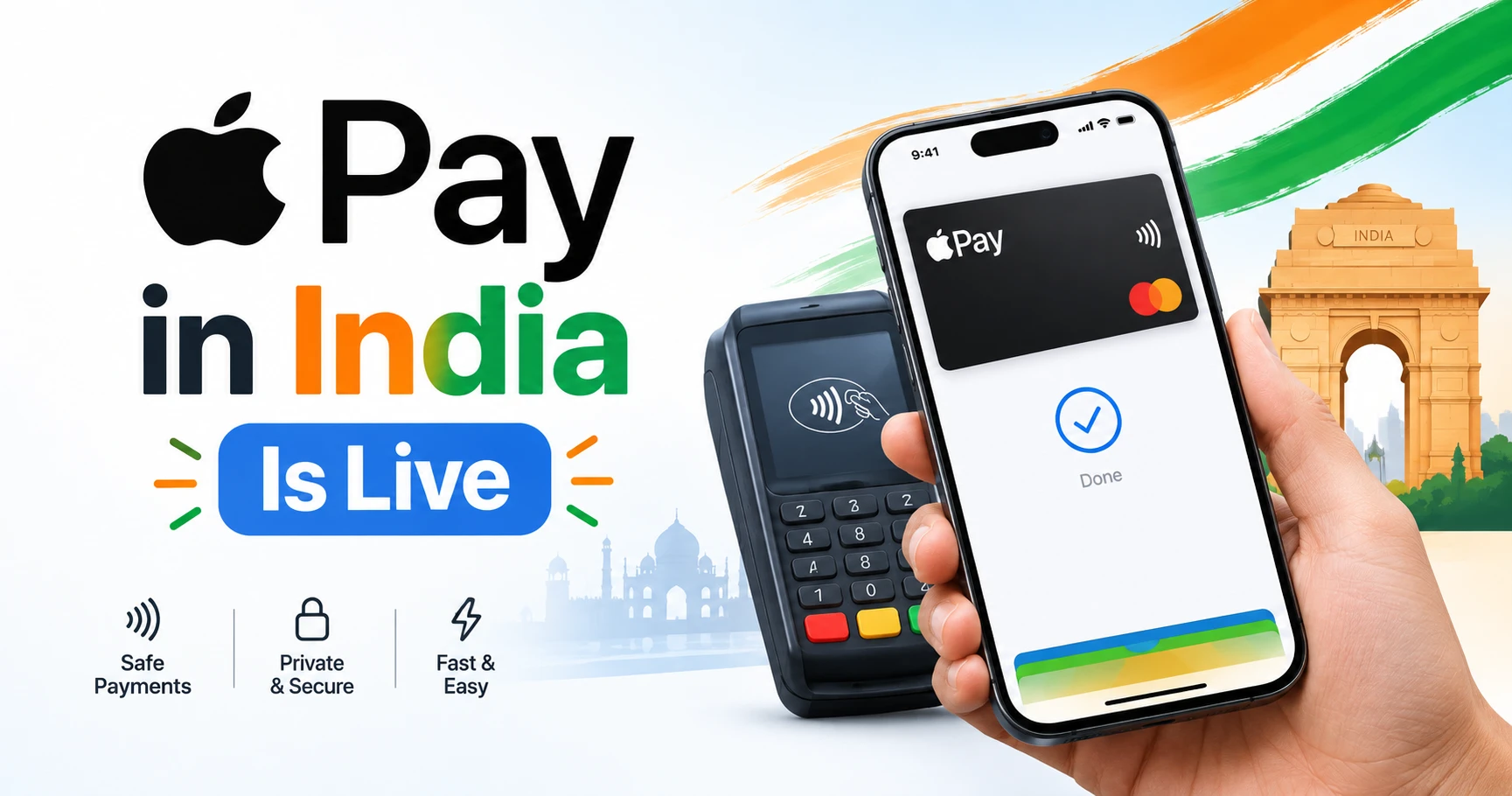
Table of Contents
Apple Pay in India Is Live: 7 Things Every Founder Must Know
It took more than ten years, but it has finally happened. Apple Pay in India went live today, September 30, 2026.
If you run a business, sell online, or are building a startup, don't file this away as "just another payment option." It changes how a valuable group of customers will want to pay you. The founders who move first usually win the early trust.
In this guide, I'll explain in plain English what Apple Pay in India is, how it works, who can use it right now, and the steps your business should take this week.
1. What Is Apple Pay in India?
Apple Pay is Apple's digital wallet. It lets people pay with their iPhone, iPad, or Apple Watch instead of a physical card. Mac support is coming soon.
Customers add their credit card to the Apple Wallet app once. After that, they can pay in three places:
- In physical stores, by tapping their phone or watch on the card machine
- Inside apps, such as food delivery or shopping apps
- On websites, without typing card details again and again
One detail stands out: Apple says Indian users can pay without entering a PIN or OTP at checkout. Anyone who has waited for an OTP that arrived late knows how big that is. They authenticate with Face ID, Touch ID, or their device passcode instead.
Apple Pay now works in more than 90 countries and regions, with over 11,000 bank and network partners worldwide. India has finally joined that list.
Also Read : tech-innovation
How Digital Transformation Is Reshaping Indian Startups
2. Who Can Use Apple Pay in India Right Now?
This is where many people will get confused, so let's keep it simple.
At launch, only Axis Bank credit cards work. That includes both Visa and Mastercard credit cards issued by Axis Bank.
Here's what that means:
- Axis Bank Visa credit cards are supported
- Axis Bank Mastercard credit cards are supported
- Other banks' cards are not supported yet
- Mac support is coming soon
According to reports, Apple plans to add more banks over time. Expect the user base to grow step by step, not all at once.
Founder insight: The early users will be a smaller group, but it's a valuable one. They are iPhone owners with credit cards, who tend to be high-intent, digitally comfortable buyers. Getting in front of them early is a smart move.
3. Why This Matters for Entrepreneurs and Business Owners
Here's the part most news articles skip: what this means for your business.
Faster checkout means fewer abandoned carts
Every extra step in checkout gives a customer one more chance to leave. Typing a 16-digit card number, entering a CVV, and waiting for an OTP are all friction.
Apple Pay removes most of that. The customer taps, looks at the phone, and the payment is done. For online stores, D2C brands, and app-based startups, that can mean more completed orders from the same traffic.
Big brands are already on board
At launch, Apple Pay is accepted at Apple Store locations, Blinkit, Zomato, Croma, Tata 1mg, Reliance brands, Ixigo, Chaayos, Interflora, and more.
When customers get used to one-tap payments on Zomato and Blinkit, they start expecting the same everywhere. If your checkout feels slow next to theirs, customers will notice.
Your payment gateway may already support it
Apple worked directly with major payment service providers (PSPs) in India, including:
- Razorpay
- Cashfree
- PayU
- Paytm
- JusPay
- Pine Labs
- Mswipe
- Worldline
If your business already uses one of these, you may be closer to accepting Apple Pay than you think.
Customers keep their card rewards
Users still earn their normal credit card rewards and benefits when they pay with Apple Pay. So customers lose nothing by choosing it at your checkout.
4. How Apple Pay Keeps Payments Safe
Trust is everything in payments. This is how Apple Pay protects both your customers and your business.
- Your real card number is never shared. Apple Pay doesn't store the actual card number on the phone or on Apple's servers, and Apple doesn't share it with the merchant.
- A unique token is used instead. Each card gets a special "Device Account Number," kept inside a secure chip called the Secure Element.
- Transactions stay private. Apple says it doesn't keep transaction information that can be linked back to the user.
- Lost phone? No panic. If an iPhone is lost or stolen, the user can lock it or suspend payments through the Find My app.
Both Visa and Mastercard use tokenisation here. Merchants never see or store real card details, which lowers the risk of card data leaks.
For business owners: Less card data in your systems means less risk for you, too.
5. How Customers Pay with Apple Pay (Step by Step)
Knowing this helps you train your staff and guide your customers.
Setting it up:
- Open the Wallet app on the iPhone.
- Tap the plus (+) sign.
- Follow the steps to add an eligible Axis Bank credit card.
Customers can also add their card from the latest version of the Axis Bank app.
Paying in a store:
- Double-click the side button (or Home button on older iPhones).
- Confirm with Face ID, Touch ID, or passcode.
- Hold the top of the iPhone, or the Apple Watch screen, near the card machine.
That's all it takes.
Paying online or in apps:
Customers choose Apple Pay at checkout and confirm. They don't have to create an account or type in card, shipping, or billing details.
6. How Your Business Can Start Accepting Apple Pay
Here is a simple action plan you can start this week.
Step 1: Talk to your payment gateway
Contact your PSP (Razorpay, Cashfree, PayU, and so on) and ask:
- "Is Apple Pay live for my account?"
- "What do I need to enable it?"
- "Are there any extra charges?"
Step 2: Check your card machines
For offline stores, Apple Pay works anywhere that accepts NFC (contactless) payments. If your POS machine supports tap-to-pay cards, it should work. If you're not sure, ask your POS provider.
Step 3: Add the Apple Pay button to your website or app
Ask your developer or PSP to add the Apple Pay option at checkout. Put it where iPhone users can see it easily.
Step 4: Test before you promote
Make a real test payment. Check that it works on your mobile site, in your app, and at the store counter.
Step 5: Tell your customers
Add "We accept Apple Pay" to your checkout page, store counter, and social media. Small signals like this build trust and set you apart.
7. Apple Pay vs UPI: Should You Worry?
No. UPI is still the most common way Indians pay, and that won't change overnight.
At launch, Apple Pay in India works with credit cards. It's an extra option, not a replacement for UPI.
The smart approach is to offer both. Let the customer pay however they're most comfortable. The easier you make paying, the more people will buy.
Final Thoughts: Early Movers Win
The launch of Apple Pay in India is a signal. Indian customers are moving toward faster, safer, and more private ways to pay.
The rollout starts small, with one bank and credit cards only. Still, the direction is clear. More banks will join, more merchants will switch it on, and customers will start expecting it.
As a founder, you don't need to do everything today. You just need to start. Talk to your payment partner this week, and you'll be ready while others are still catching up.
What do you think? Will Apple Pay change how your customers pay? Share your view in the comments below.