Categories
Recent Posts






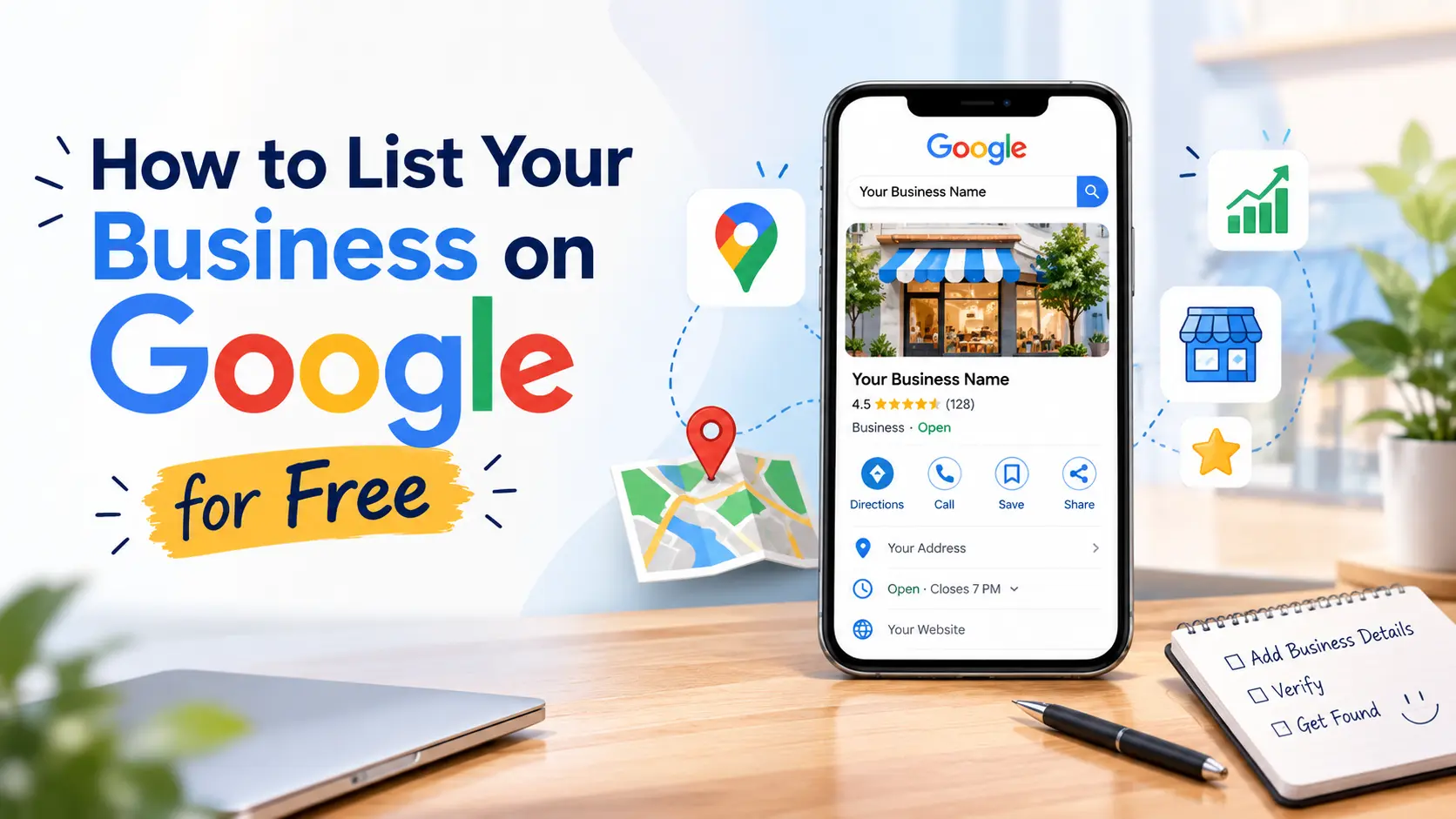
Table of Contents
How to List Your Business on Google for Free
If someone searches "best bakery near me" or "CA in Ahmedabad," will your business show up? For many small businesses and startups, the honest answer is no, simply because they never created a Google listing.
The good news is that listing your business on Google costs nothing. You don't need a website, an agency or an ad budget. You need a Google Business Profile (formerly Google My Business) and about 20 minutes.
This guide covers what a Google Business Profile is, how to set one up, how to get verified, and how to make your listing stand out.
What Is a Google Business Profile?
A Google Business Profile is a free listing that controls how your business appears on Google Search and Google Maps. It shows your business name, address, phone number, opening hours, photos, reviews, services and website link, all in the panel customers see when they search for you or for businesses like yours.
For local businesses, this panel is often the first impression customers get, sometimes before they ever visit your website.
Why You Should List Your Business on Google
-
It's completely free. Creating and managing a profile costs nothing.
-
You show up in local searches. Customers searching nearby get your details instantly.
-
You appear on Google Maps. People can get directions with one tap.
-
You build trust. Reviews, photos and accurate details make you look credible.
-
You get direct customer actions. Calls, direction requests, website visits and messages come straight from your listing.
-
It works even without a website. Your profile can act as a basic online presence while you build your site.
What You Need Before You Start
Having these ready makes setup much faster:
-
A Google account (Gmail) you want to use to manage the listing
-
Your exact business name, as used on signboards and in the real world
-
Your business address, or your service area if you travel to customers
-
A working phone number and website (if you have one)
-
Your business category and opening hours
-
A few clear photos of your storefront, products, team or work
Step-by-Step: How to List Your Business on Google for Free
Step 1: Sign in to your Google account
Use the Google account you want to be the permanent owner of the listing. Preferably use a business email rather than a personal one, so you don't lose access later.
Step 2: Go to Google Business Profile
Visit the Google Business Profile site, or simply search for your business name on Google or Maps and choose the option to claim or add your business. Click Add your business to Google (or "Manage now").
Step 3: Enter your business name
Type your business name exactly as it appears in real life. Don't stuff keywords into the name (for example, "Sharma Sweets – Best Sweets Shop Ahmedabad Cheap"). Google can suspend profiles for this.
Step 4: Choose your business category
Pick the primary category that best describes what you do, such as "Digital Marketing Agency," "Bakery" or "Chartered Accountant." This is one of the most important ranking factors. You can add secondary categories later.
Step 5: Add your location or service area
-
Customers visit you: enter your full address and place the pin accurately on the map.
-
You visit customers (plumbers, home tutors, freelancers): select that you serve customers at their location, hide your address if you wish, and set your service areas.
Step 6: Add contact details
Enter your phone number and website link. If you don't have a website yet, Google may let you create a simple one from your profile data, though it is basic. For a stronger online presence, a proper website is still worth building.
Step 7: Verify your business
Verification proves you're the real owner. Depending on your business and location, Google may offer:
-
Postcard sent to your address with a verification code (takes several days)
-
Phone or SMS code
-
Email code
-
Video verification, where you record a short video showing your location, signage and proof of operation
-
Live video call with a Google representative
Follow the method Google shows you. Verification options vary by business, so don't worry if you see a different one than a friend did.
Step 8: Complete your profile
Unverified or half-filled profiles perform poorly. Once verified, add:
-
Opening hours (including holidays)
-
A short, honest business description
-
Products or services with descriptions
-
Photos and a logo
-
Attributes such as "Wheelchair accessible" or "Online appointments"
-
Your social media and booking links
How to Make Your Google Listing Rank Better
Creating the profile is only the start. These habits help you appear higher in local results:
1. Keep your NAP consistent. Your Name, Address and Phone number should be identical across your Google profile, website, social media and directories. Inconsistencies confuse search engines.
2. Add high-quality photos regularly. Real photos of your shop, team and work perform better than stock images. Upload new ones every few weeks.
3. Ask for reviews and respond to them. Politely ask happy customers to leave a review, and reply to every review, positive or negative. Never buy fake reviews, as this violates Google's policies.
4. Post updates. Use Google Posts to share offers, events and news so your profile looks active.
5. Answer customer questions and messages quickly. Fast responses improve customer experience and conversions.
6. Keep information up to date. Update hours during festivals, relocations or temporary closures.
7. Link to a relevant page. Point your listing to a useful page on your website, not a random one.
Common Mistakes to Avoid
-
Adding keywords to the business name
-
Using a virtual office or fake address
-
Choosing the wrong primary category
-
Creating duplicate listings for the same location
-
Ignoring negative reviews
-
Leaving the profile incomplete after verification
Any of these can reduce your visibility or even get your listing suspended.
Don't Stop at Google: Build Your Wider Online Presence
A Google listing is a powerful start, but it works best alongside other channels. Here are a few ways to extend your reach:
-
List your business in a trusted directory. Add your company to the Digital Startup India business directory so more founders, customers and partners can discover you.
-
Hire and get hired. If you're growing your team, browse or post openings on the Digital Startup India jobs page.
-
Learn from other founders. Read real journeys and lessons on the startup stories page for inspiration on building visibility from scratch.
-
Join the community. Connect with entrepreneurs and professionals through the members section.
-
Protect your digital footprint. As your business gets more visible online, security and privacy matter more. Read how a Gemini AI vulnerability affected companies and why the 1980s AI photo trend is a privacy risk for founders.
-
Need help getting listed or growing online? Reach out through the Digital Startup India contact page.
Final Thoughts
Listing your business on Google for free is one of the highest-return, lowest-cost things a small business or startup can do. Create your Google Business Profile, verify it, fill it out completely, and keep it active with photos, reviews and updates. Combined with listings on platforms like Digital Startup India, you give customers multiple ways to find and trust you.
Start today. Your next customer may already be searching for you.
Disclaimer: The information in this article is for general informational and educational purposes only. Google's products, policies, verification methods and eligibility requirements change from time to time, so steps and options may differ from what is described here. Please refer to Google's official Business Profile help pages for the latest guidance. Digital Startup India is not affiliated with Google, and we do not guarantee any specific ranking, visibility or business results from following this guide. Links to third-party or internal pages are provided for convenience and reference.